

Run today’s desk
Appointments, holds, vault tasks and payment follow-up in one view.
Coin and bullion dealer software
bullionOS connects coin and bullion inventory, live spot pricing, customers, invoices, shipping, payments and daily close in one dealer operating system.
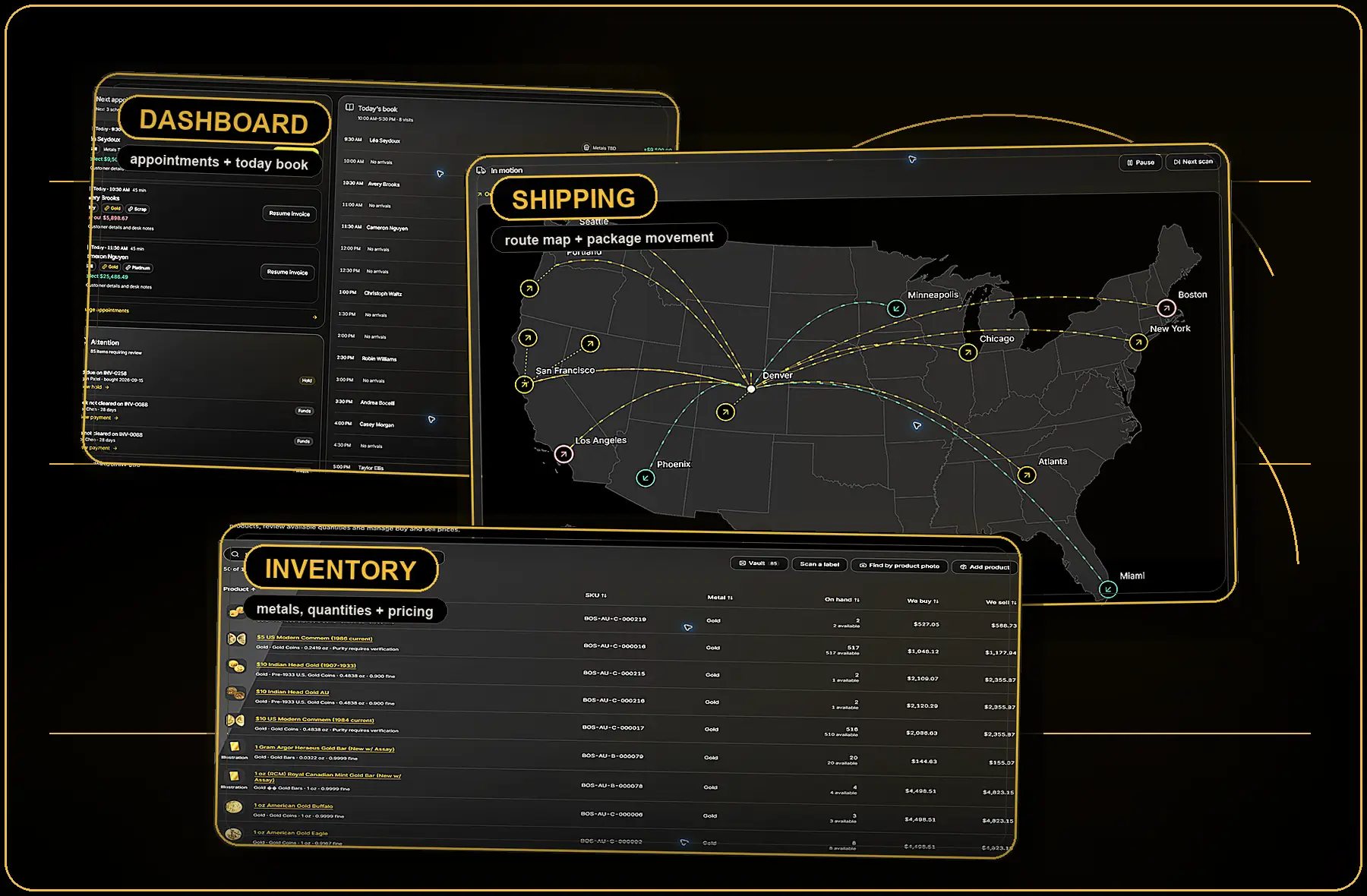
Appointments, holds, vault tasks and payment follow-up in one view.
Check availability, premiums, buy and sell pricing before the quote leaves the counter.
Invoices, shipping, payments and cash review stay attached to the day’s work.
Stay organized
Build loyalty
Track metals
Create in seconds
Get paid, faster
Dealer software by workflow
Explore coin dealer software and POS for counter operations, bullion dealer software for live pricing and settlement, and coin inventory software for receiving, locations and custody.
Built for precious metals dealers
From the first customer conversation to the final cash review, bullionOS keeps quote-ready inventory, invoices, package movement, payments, exposure and closeout decisions in one controlled workflow.
Live SKU, metal, quantity, vault location, buy price and sell price before every customer quote.
Cash drawer, bank balance, clearance timing, bank matches and accounting review in one close flow.
Current holdings, unrealized P/L and spot sensitivity stay visible before the desk commits capital.
Operating desk walkthrough
The full dealer day: appointment intake, live inventory quote, invoice balance, shipment follow-up, vault task and cash control.
Take command. One continuous dealer-day walkthrough from intake to close. bullionOS opens on the dealer dashboard, moves through live inventory, quote-ready products, invoice status, shipping and receiving, payment review, bank matching, cash control, and accounting-ready records.
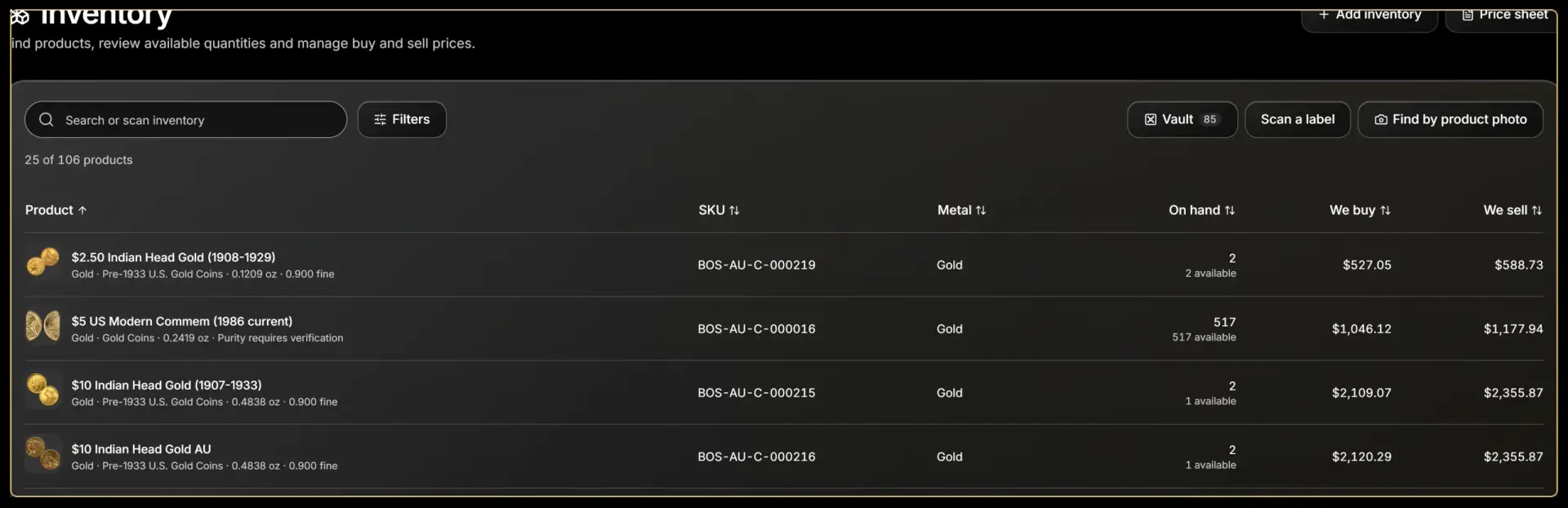
Why dealers care
Dealers can verify availability, purity, category, buy/sell spread and vault workflow before they commit to a customer price.
Demo moment
Show the live product table, search, filters, vault count, label scanning and product photo lookup as one pricing path.
Connected workflows
Appointments show buy, sell, appraisal and dealer-intake work beside the customer and invoice that need action.
Inventory exposes SKU, metal, quantity, buy price, sell price, vault status, scanning and photo lookup in one table.
Shipping connects carrier status, invoice records, delivery exceptions and vault receiving so physical movement stays accountable.
Payments surface drawer cash, bank balance, clearance timing, bank matches, accounting entries and daily close work.
Request a walkthrough
Share the workflows you want to pressure-test. We will map intake, quoting, invoices, shipping, receiving, payments, and daily close to your operating desk.